
Your best ideas come when you least expect them
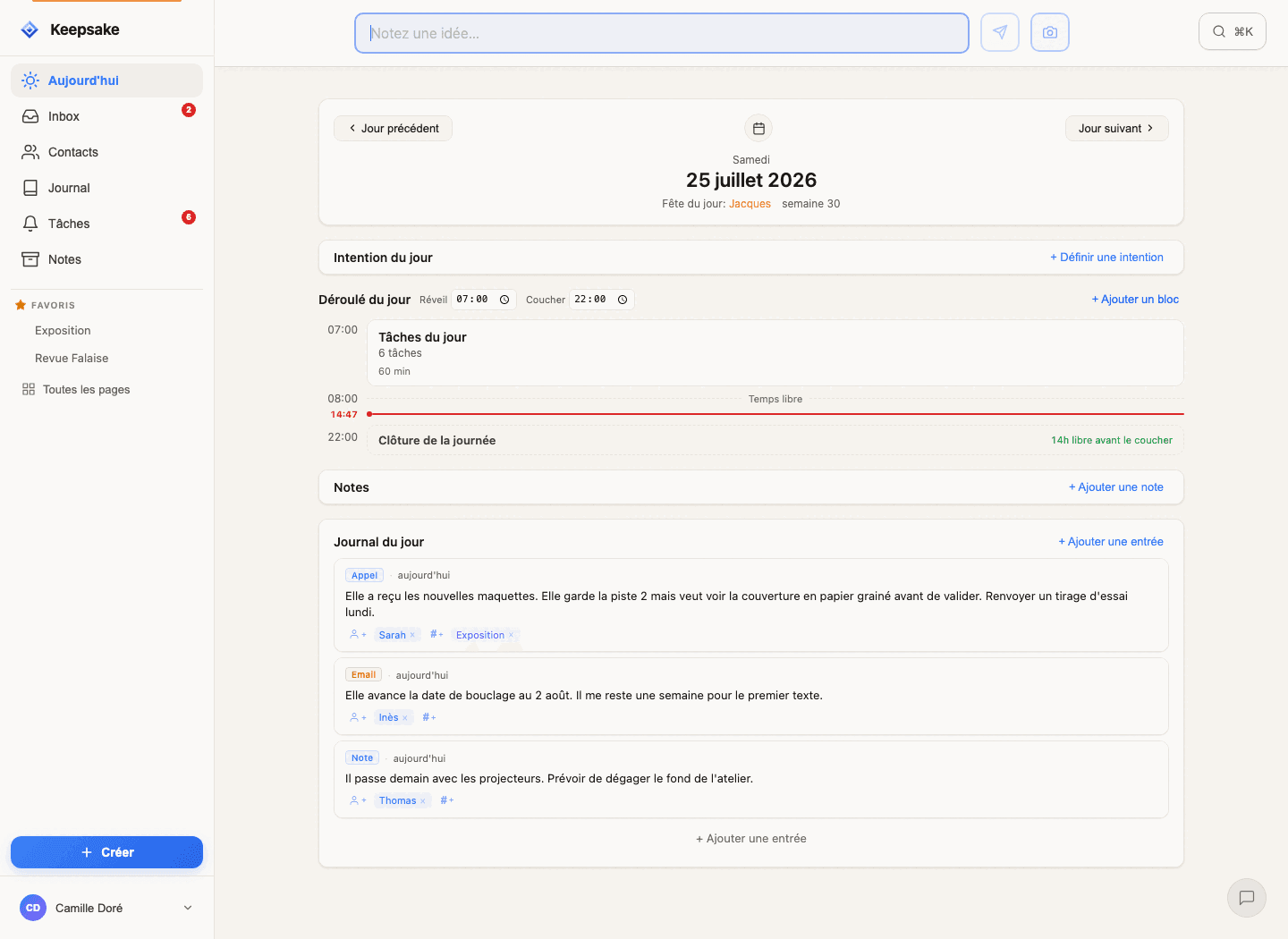
Driving, hiking, falling asleep, chatting with friends... QuickNotes™ captures them in 2 seconds, so you can stay in the moment.
Ideas don't wait for the right moment
In the car
Voice dictation captures your thought while you keep your eyes on the road
On a hike
Quick capture before the idea fades—no apps to navigate
Before sleep
That brilliant idea at 2am? Saved. Now you can sleep.
With friends
Note it without breaking the conversation flow
Not every idea is a sentence
A whiteboard at the end of a meeting, a page from a book, a wine label, a sign in the street. The photo button in the capture bar takes them down as fast as a line of text.
The camera
Tap the photo icon, frame the shot, done. The photo is compressed and filed in your Inbox — instead of landing in a camera roll where it would drown among a thousand others.
Your photo library
The same button opens your phone's native picker. Choose one, or ten: they arrive together, in a single note, in the order you picked them.
Drag & drop
On desktop, drag your images straight into the capture bar — or into any editor. Several at once, inserted in the order you dropped them.
Paste
A screenshot, a chart, a mockup: Cmd+V in the field and the image uploads. Two seconds from screen grab to saved note, without leaving the keyboard.
Add a caption, an @contact or a #project# before you send: a photo note connects to the rest just like any other.
More than just notes
Free your mind
Knowing you'll capture and find it later creates mental space. Stop holding everything in your head.
Zero friction
The form appears before the rest of the app loads. Works offline. Nothing stands between your thought and its capture.
Always at hand
Pin important info: parking spot, hotel room, reservation code. One tap to see, one tap to hide.
From idea to action
Every note finds its place—naturally.
Capture
Idea → QuickNote in 2 seconds. No deciding where it goes.
Inbox
All your notes in one place. Browse, search, organize when ready.
Transform
Turn a note into a task, link it to a contact, or keep it as a note.
Connect
Tags, @mentions, projects—your notes become part of your system.
Like a sticky note on your desk
You always have a pad of sticky notes within reach on your desk. You jot something down quickly, but it's temporary. You read it back, do something with it, then throw the sticky note away. QuickNotes work the same way — but they're always accessible, wherever you are.
The evening ritual
Every night, go through your Inbox. Turn each QuickNote into a task, a journal entry, or copy it elsewhere. Link it to a contact or a project. Then delete it. Same flow as sticky notes — but more practical.
An overflowing Inbox means the system isn't working.
Powerful shortcuts
Type naturally, let Keepsake do the rest.
T+ QuickTasks
Type 'Call mom T+1' → Creates a task for tomorrow. T+0 for today, T+7 for next week, T+ASAP for urgent, T+? for someday.
@mentions
Type '@John Doe@' → Note is automatically linked to that contact.
Tags & Pages
Type #project# or [[Meeting notes]] → Instant organization, no setup needed.
Merge notes
Combine related ideas into one note. Perfect for gathering scattered thoughts.
Pinned notes
Like sticky notes on the edge of your screen — pin your hotel room, parking spot, or an idea to keep in mind. Always visible, out of the count.
Offline mode
No connection? No problem. Notes sync automatically when you're back online.
Capture your first idea
Start in 30 seconds. No credit card required.
One click — you're in. No credit card. 30 days free.